
Turn any photo into an I Spy page.
U Spy looks at a photo and writes a seek and find puzzle for it: a title, a little verse, and clues for things to spot, from obvious to sneaky, each one circled on an answer key. Fix anything by hand, play it yourself, then export pages ready to print.
Works in any browser · add it to your Home Screen · photo analysis needs internet
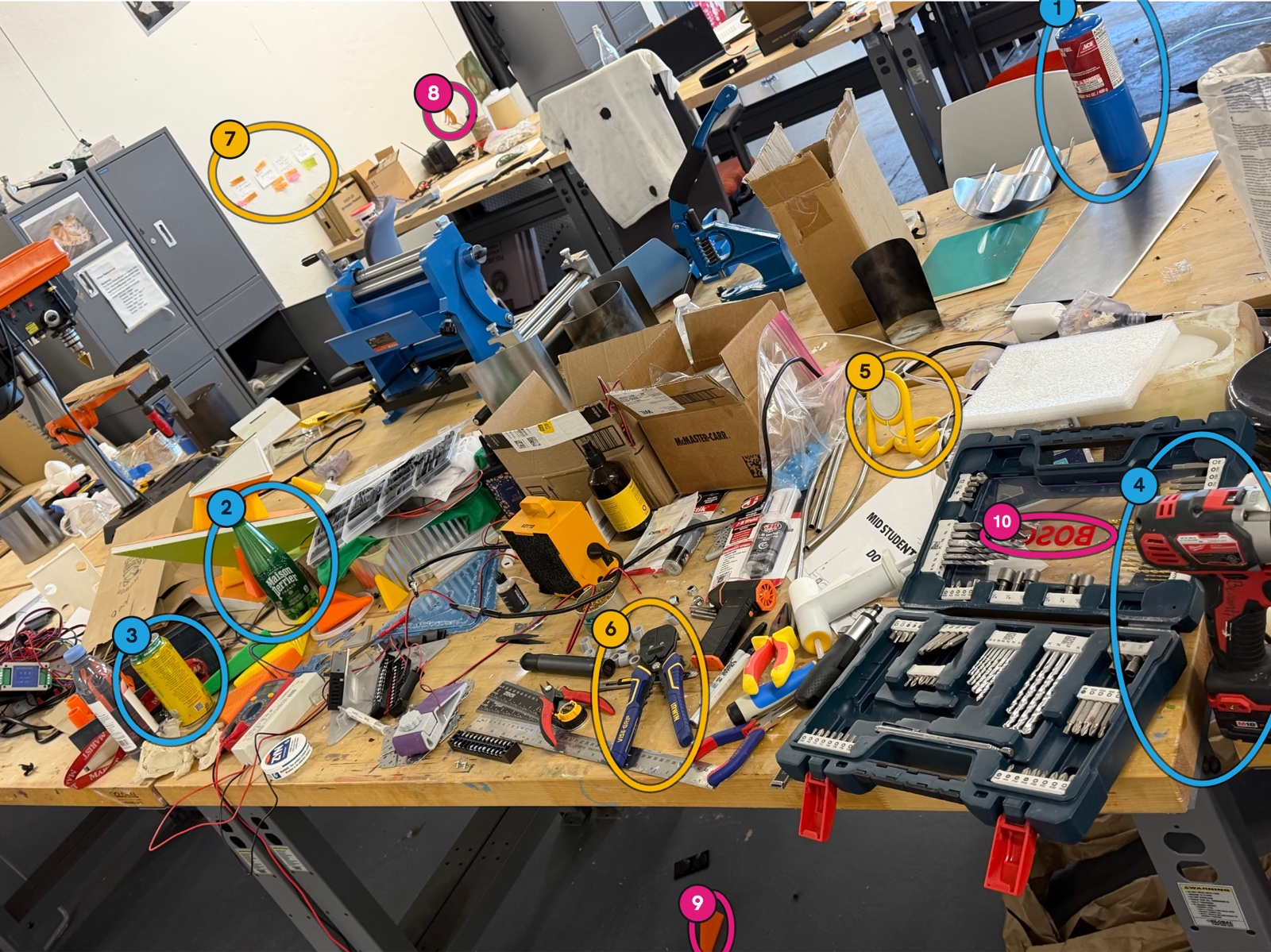
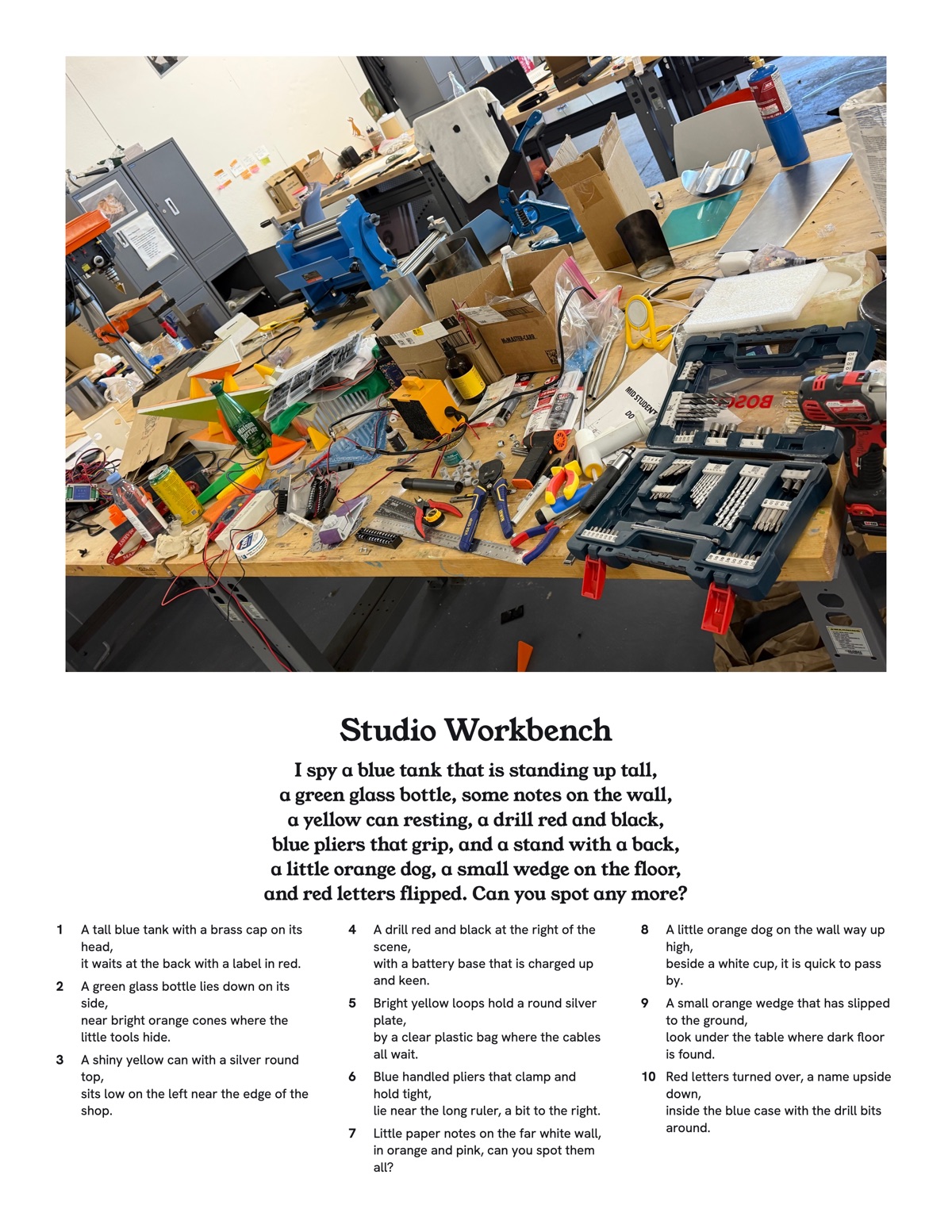
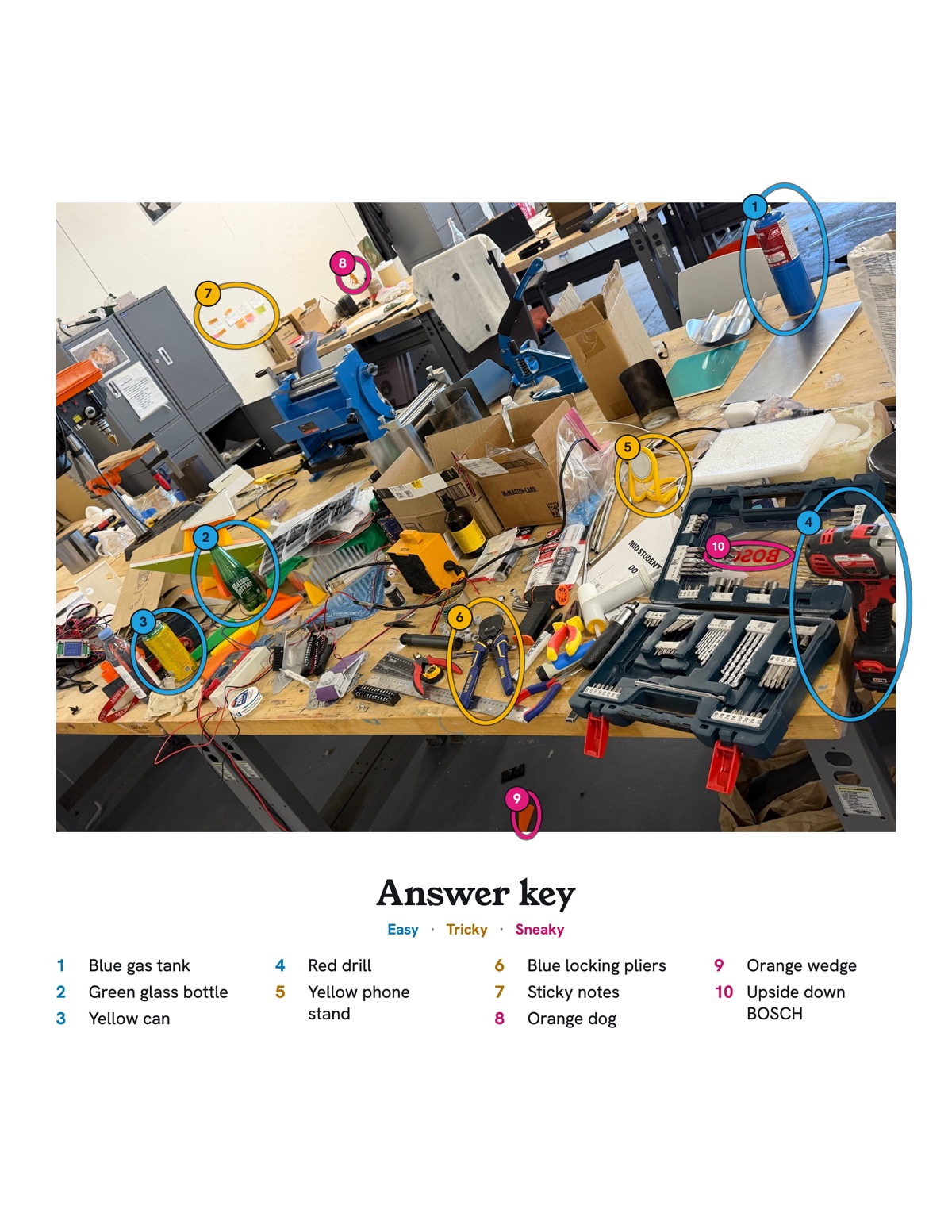
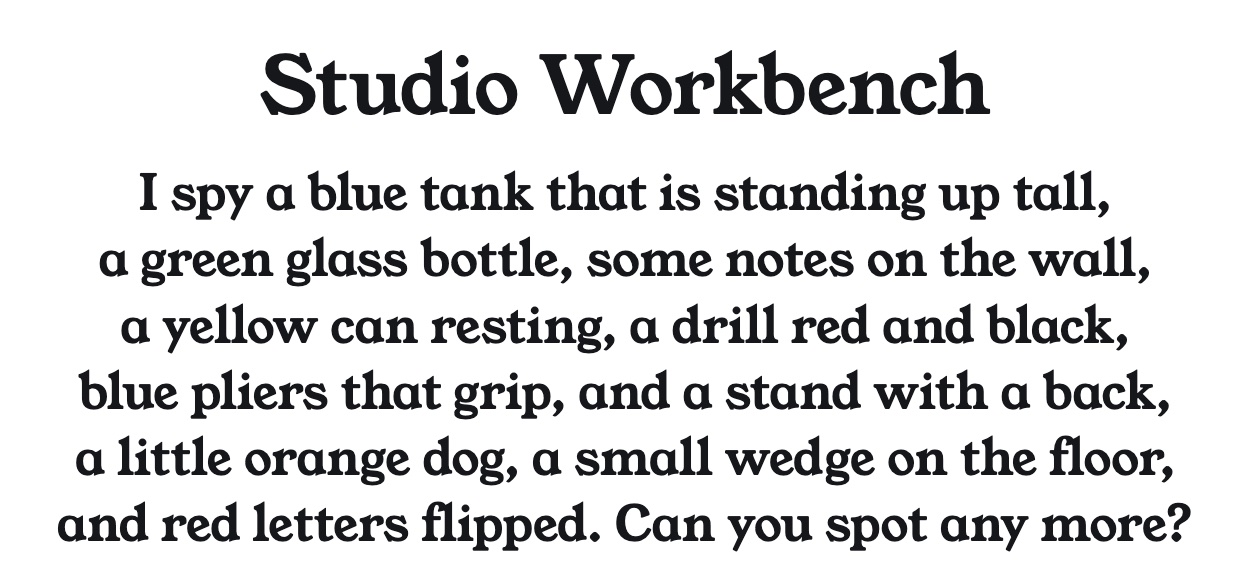
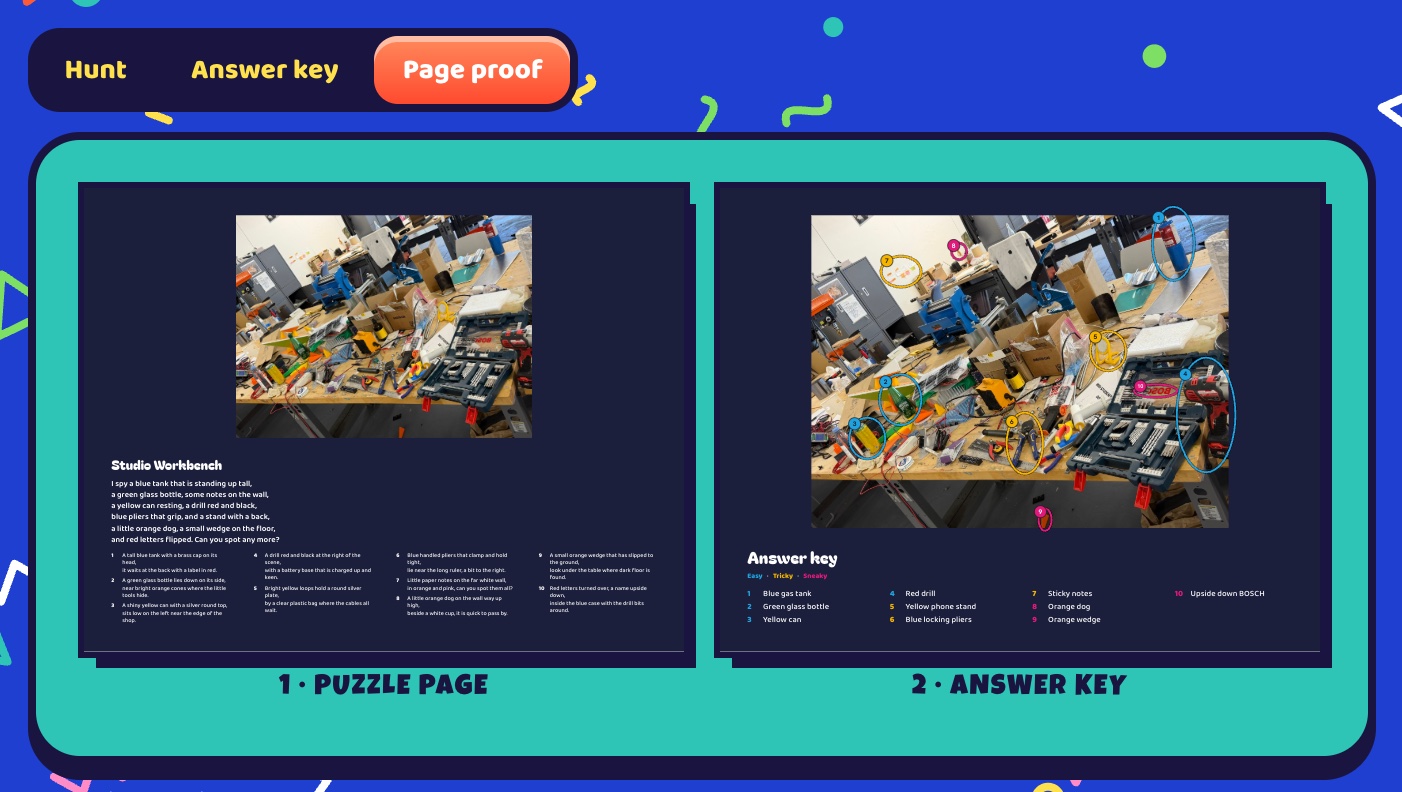
Both pages are real exports from U Spy at print resolution, made from a photo of the studio workbench. The finds, clues and verse came through the app's Claude chat route, and U Spy laid out the pages.
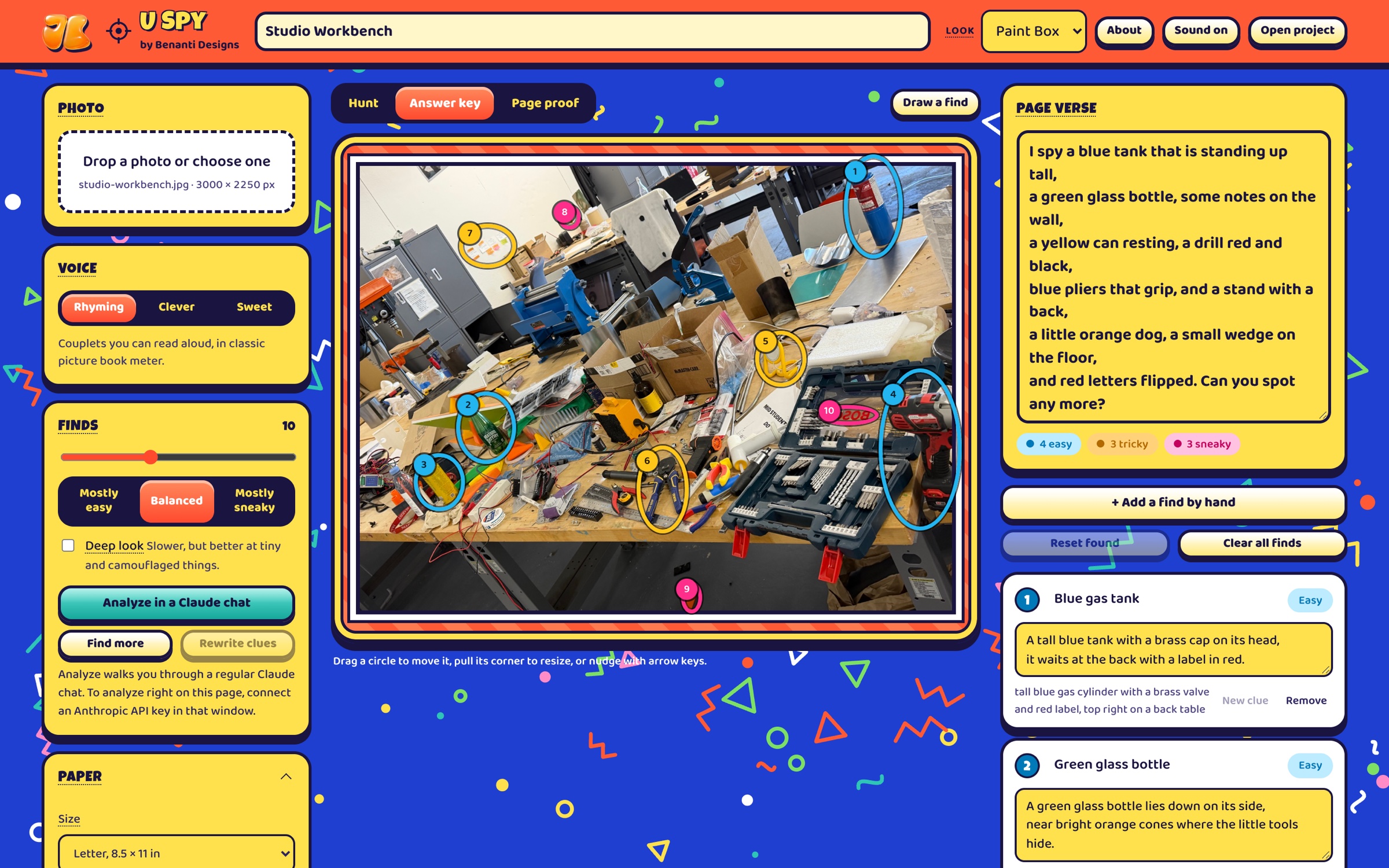
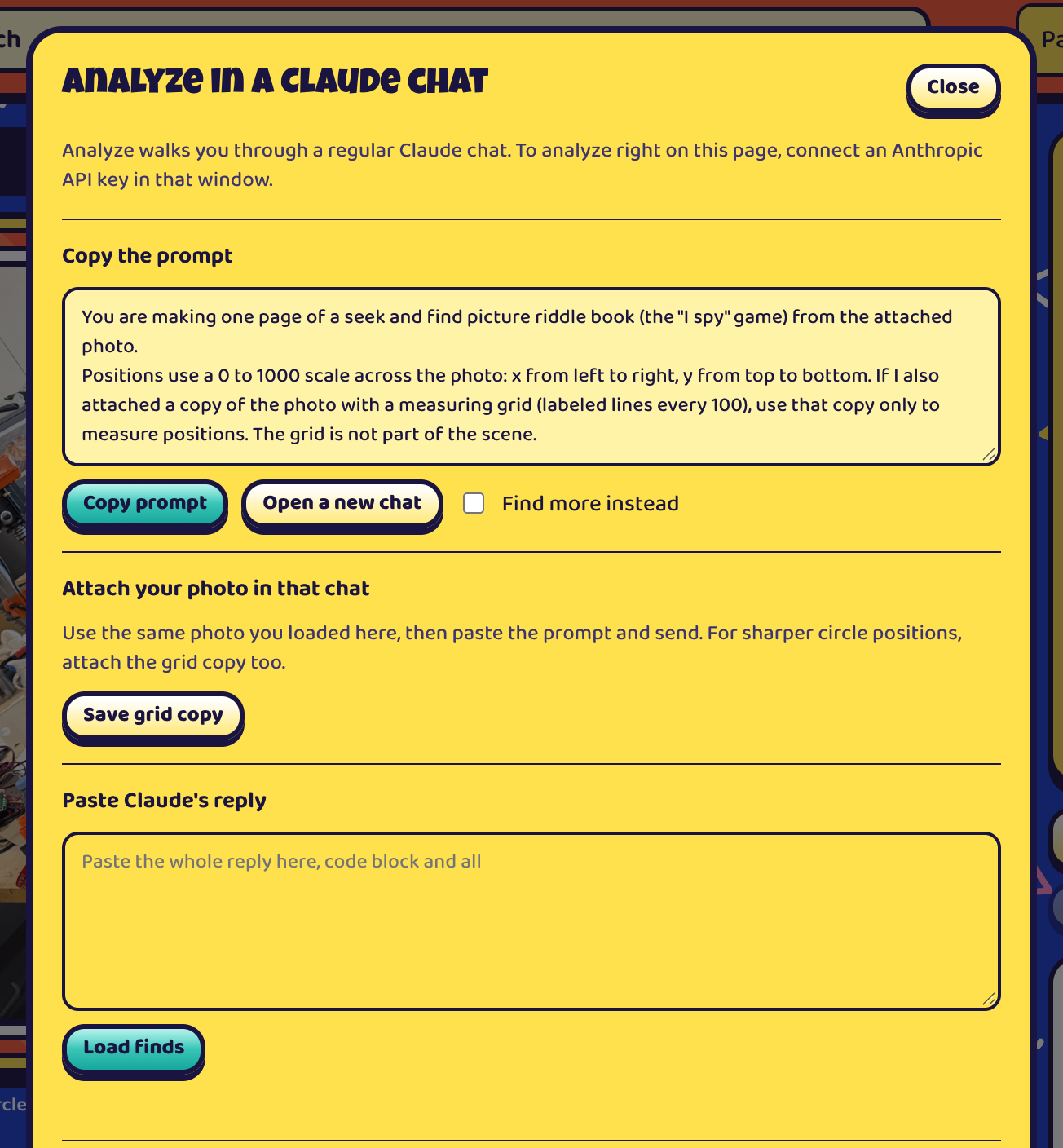
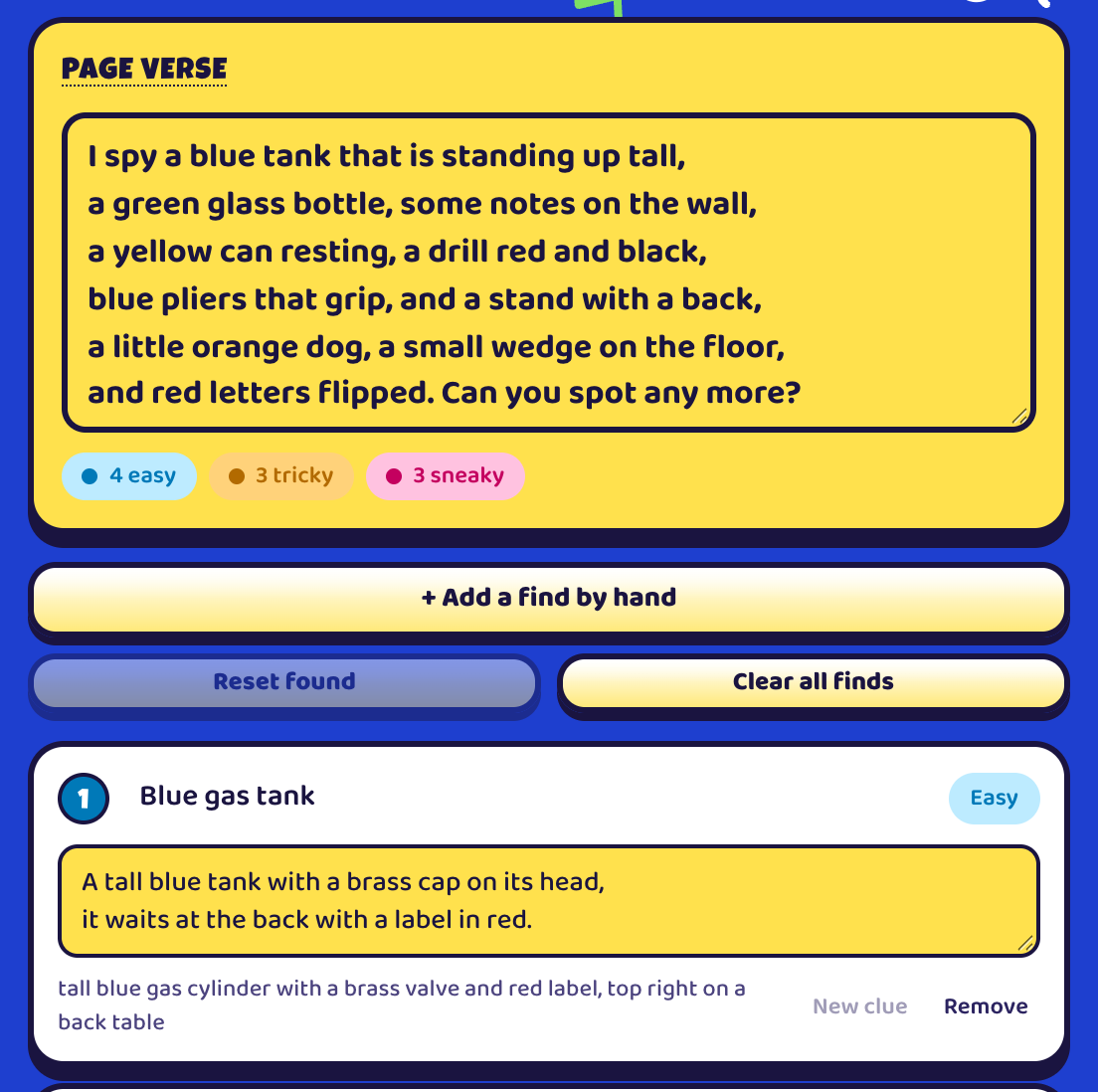
Every screenshot on this page is U Spy itself in its Paint Box look, working on the studio workbench photo.
-
01
Add a photo
Drop in any picture, or start with the sample workbench that is already loaded.
-
02
Let Claude look
Pick a voice and how hard the finds should be, then press Analyze photo.
-
03
Tweak and play
Drag circles, edit clues, or open Hunt and try to find everything yourself.
-
04
Export
Print PDF, PNG pages, a layered SVG, or a kit that builds the pages in InDesign.
A verse and clues in your voice
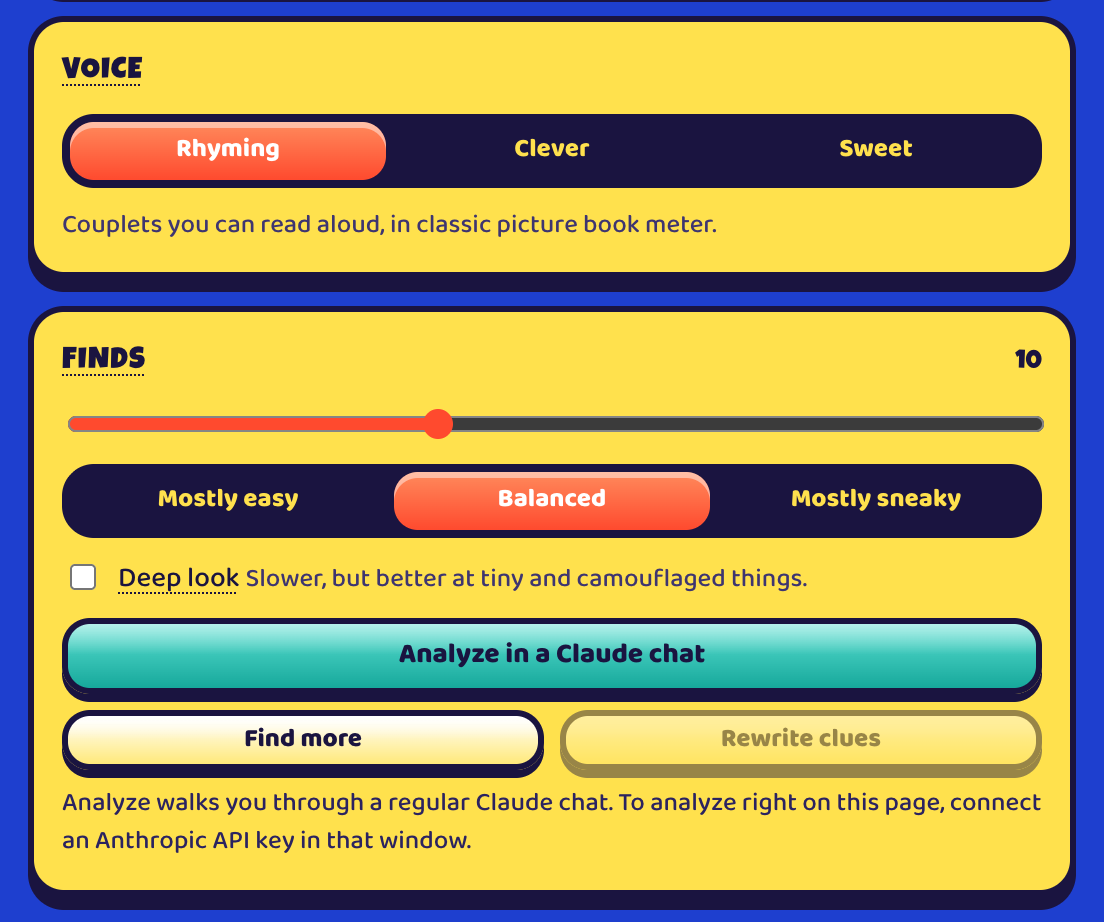
Tell U Spy who the page is for and how tricky to make it, and it writes the title, the verse and a clue for every find.
- Rhyming, Clever or Sweet
- A name or nickname, and who is in the photo
- How many finds, from mostly easy to mostly sneaky
- Deep look for tiny and camouflaged things: slower, but better
- Find more, or rewrite the verse in another voice
An answer key you can fix
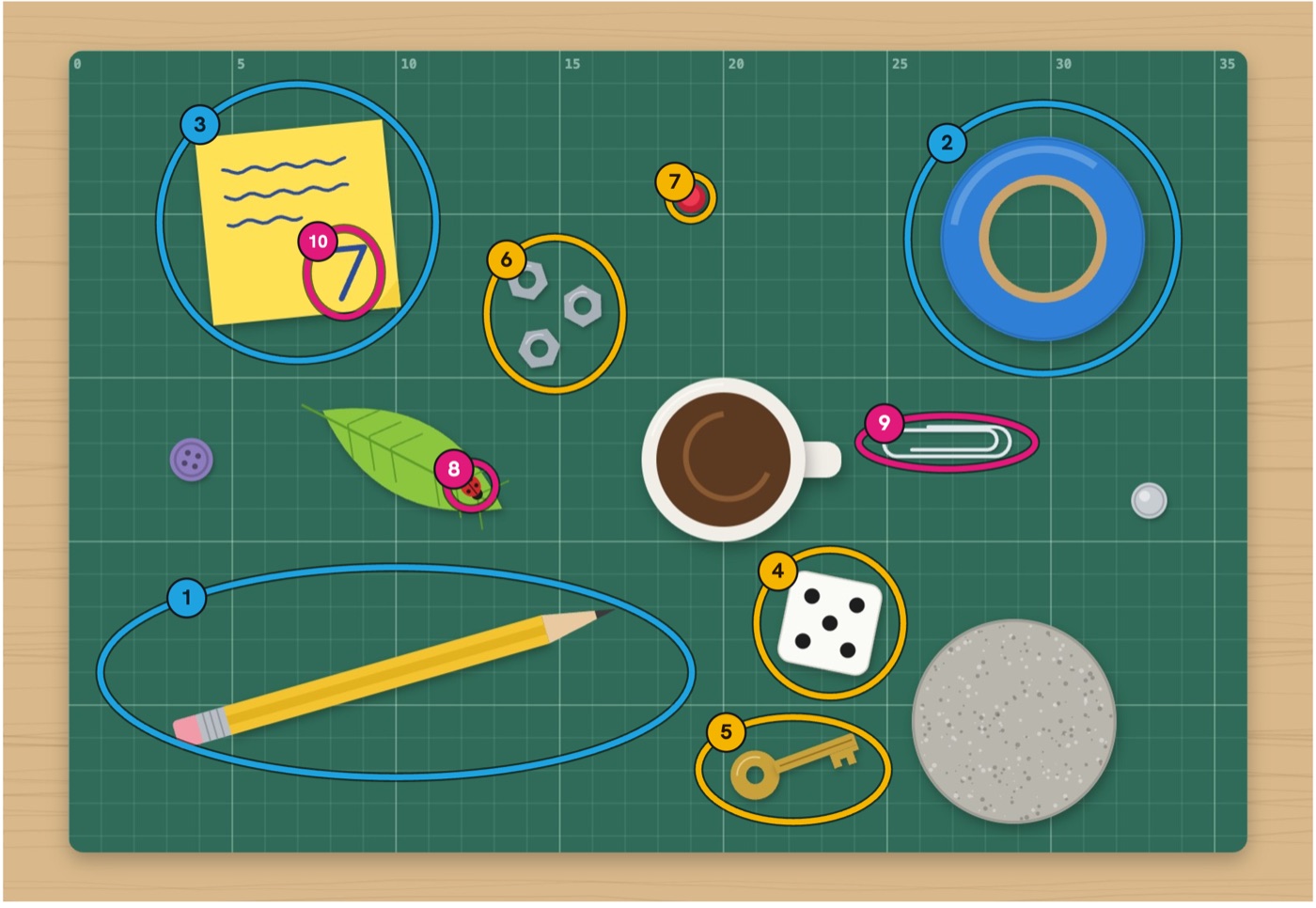
Every find is circled and numbered, and nothing is locked: move it, rewrite it, or add your own.
- Drag a circle to move it
- Edit any clue
- Draw a find, or add one by hand
- Colors for easy, tricky and sneaky
Play it before you print
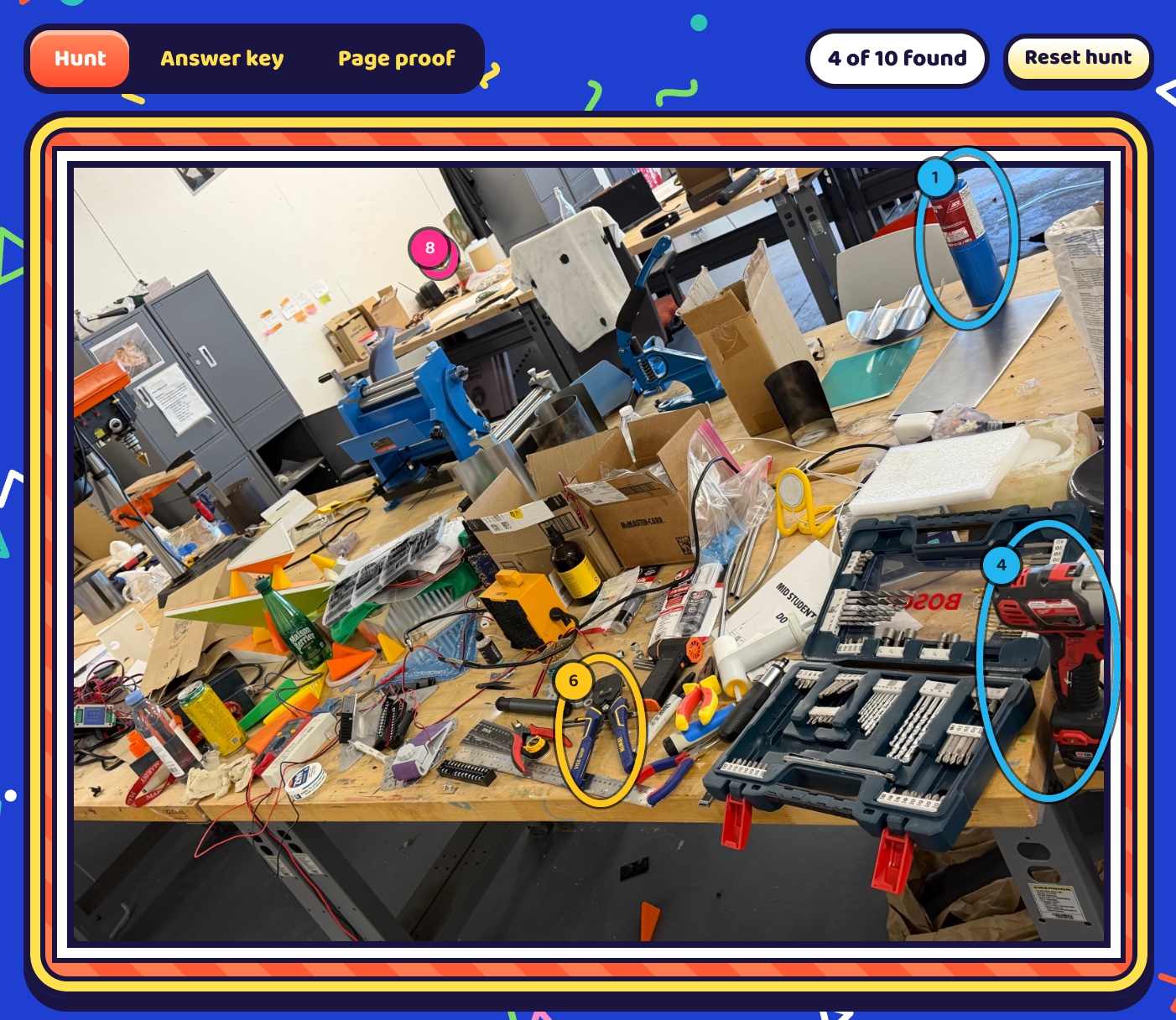
Open Hunt to hide the answers and try the page yourself, with a count of what you have found.
- Tap what you spot in the picture
- A running count of finds
- Reset the hunt and play again
Pages laid out for print
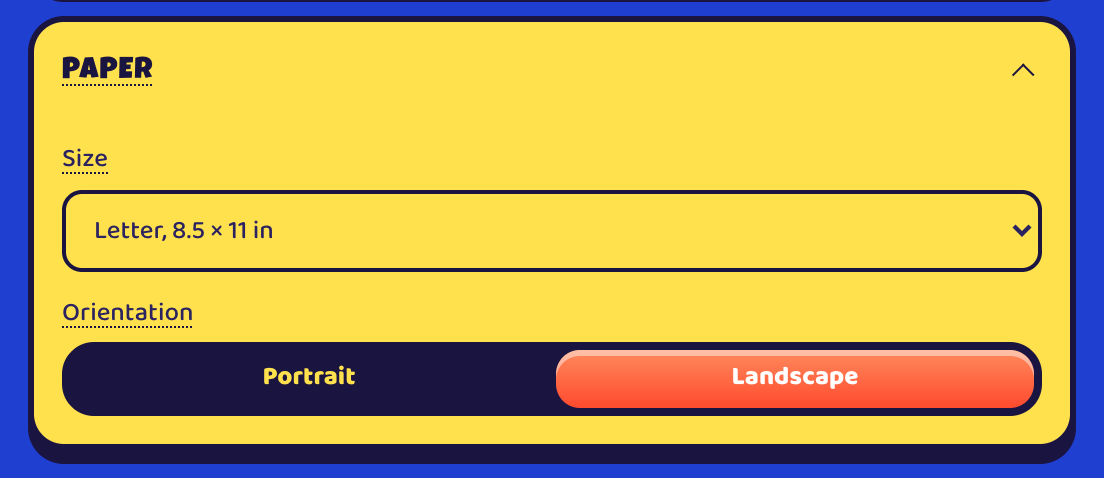
Set the paper and the layout, and the pages are built to size with bleed.
- Any paper size, portrait or landscape
- Photo and words on one page, or split across two
- Framed or full bleed, with crop focus
- Verse and clues, verse only, or clues only
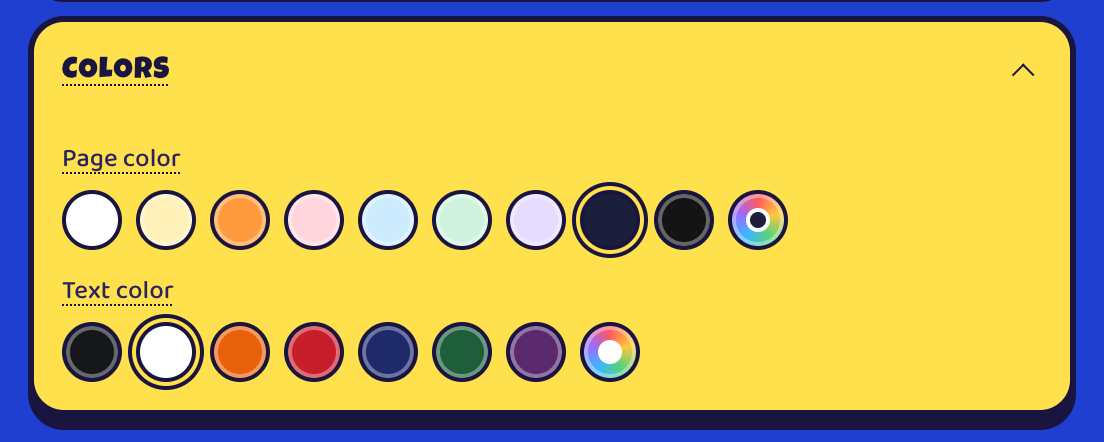
- Storybook, Modern or Bubbly type, and your own page and text colors
Exports for print and design
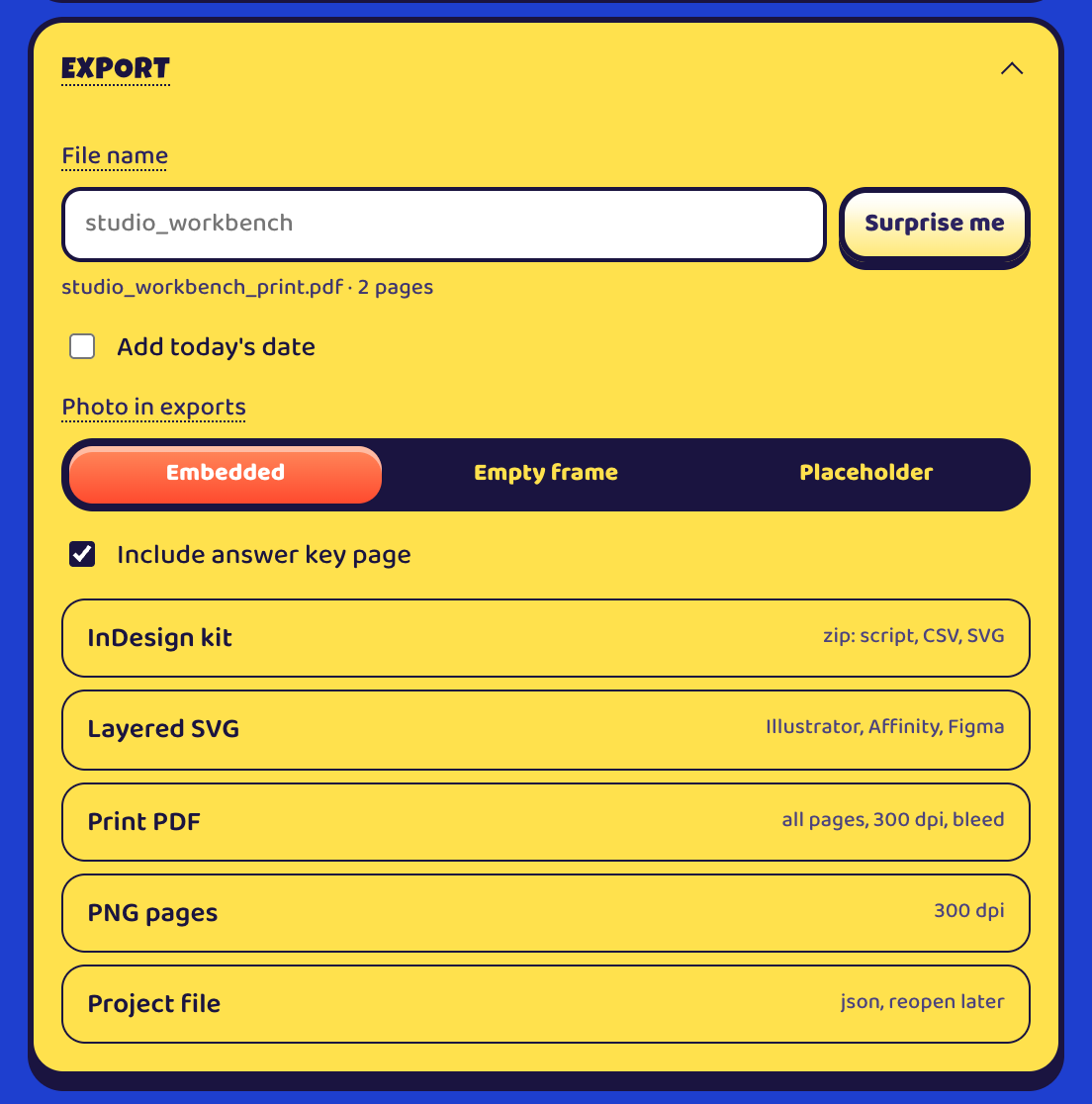
Take the pages to a printer, a design app or InDesign.
- Print PDF: all pages at 300 dpi with bleed
- PNG pages at 300 dpi
- Layered SVG for Illustrator, Affinity and Figma
- An InDesign kit with a script, CSV and SVG
- A project file to reopen and keep editing
Open U Spy.
It runs in your browser on a computer, iPhone, iPad or Android phone, and can be added to your Home Screen like an app. The sample scene is loaded and ready to play.
- How does Analyze photo work?
- On this site, U Spy walks you through a regular Claude chat: copy the prompt, attach your photo there, and paste the reply back. You can also connect your own Anthropic API key to analyze right on the page, billed to that API account.
- Where does my photo go?
- U Spy runs in your browser and does not upload your photo to Benanti Designs. It is shared with Claude only when you analyze it: in your own Claude chat, or sent to Anthropic when you use an API key. The key goes only to Anthropic and stays in that browser, so use a separate key with a spending limit.
- Does it work offline?
- After one visit online, it opens without internet. Photo analysis, the Claude chat and fonts on a first visit still need a connection.
- How do I add it to my phone?
- On iPhone or iPad, open it in Safari, tap Share, then Add to Home Screen. On Android, open it in Chrome and choose Install app. On a Mac or PC, use the install icon in the address bar in Chrome or Edge.
- Where do exports go on a phone?
- On iPhone and iPad, exports open the share sheet: choose Save to Files, or AirDrop to your Mac.
- Questions?
- Write to JOSEPH@BENANTIDESIGNS.COM.