
Make custom fonts and wordmarks with Type Works.
Shape letterforms, refine individual characters and turn your lettering into SVG artwork or static OTF and WOFF fonts. Type Works is a downloadable typography studio by Benanti Designs.
Preparing for release · planned price $29 once · all future updates included.
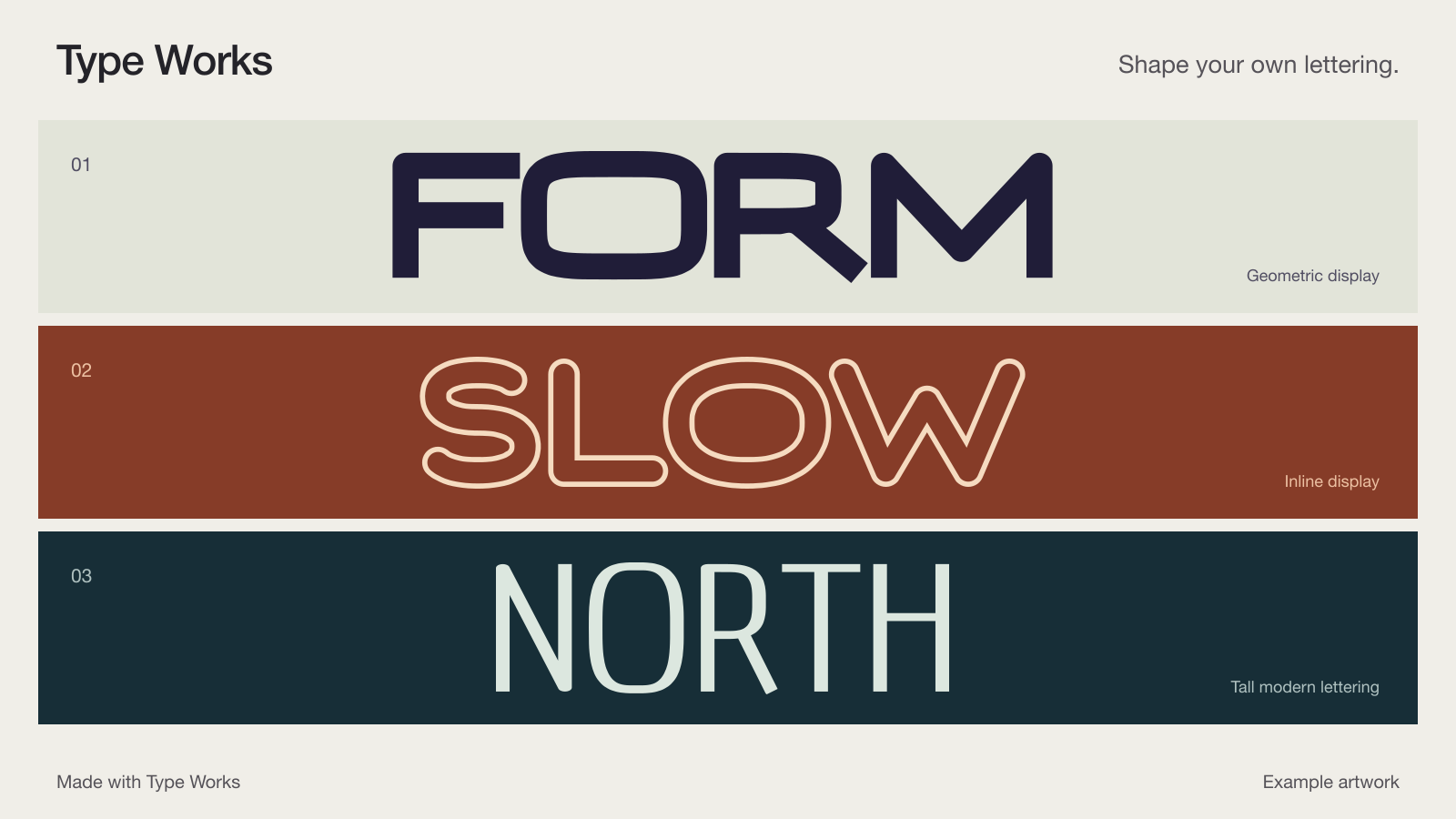
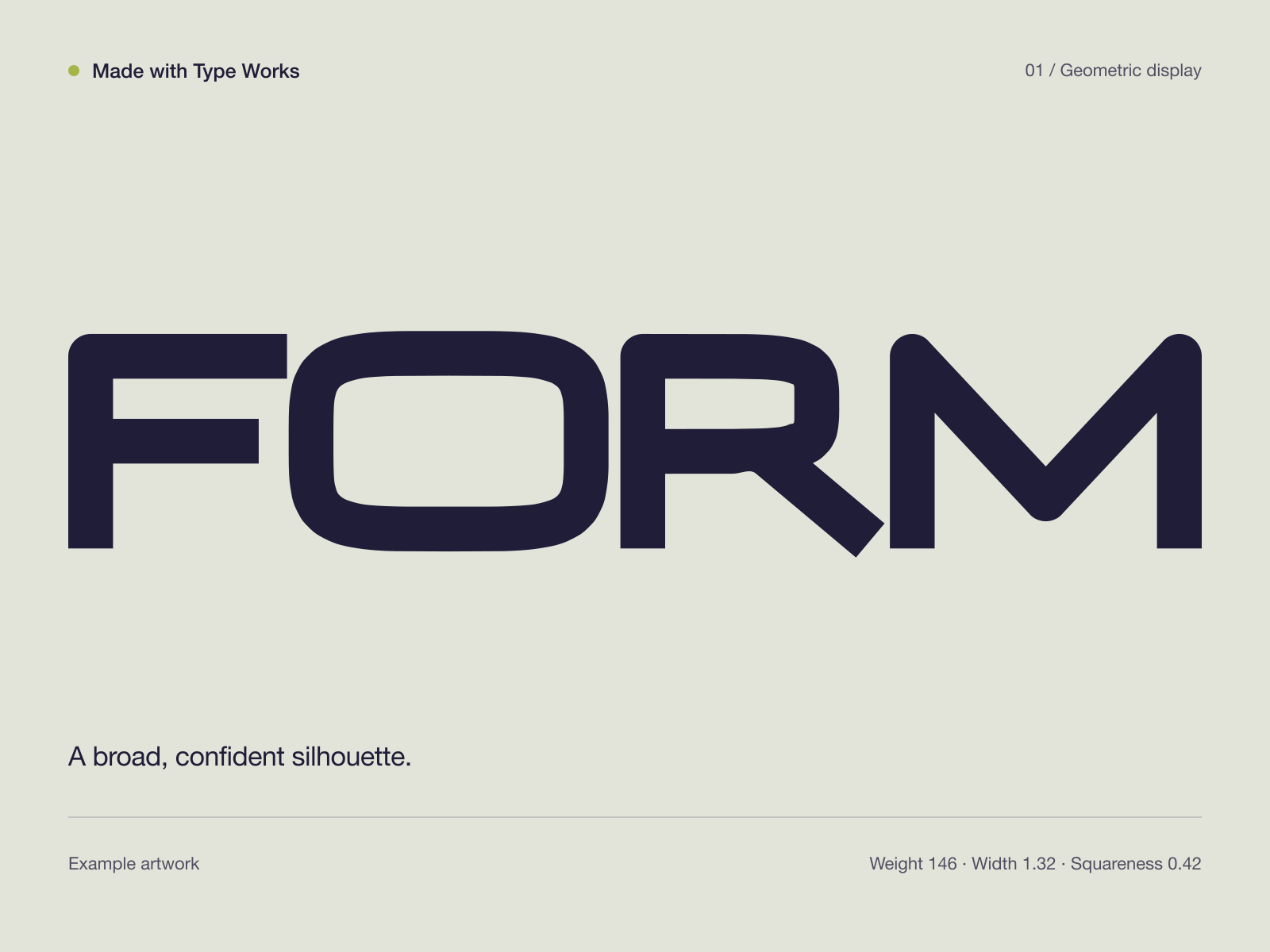
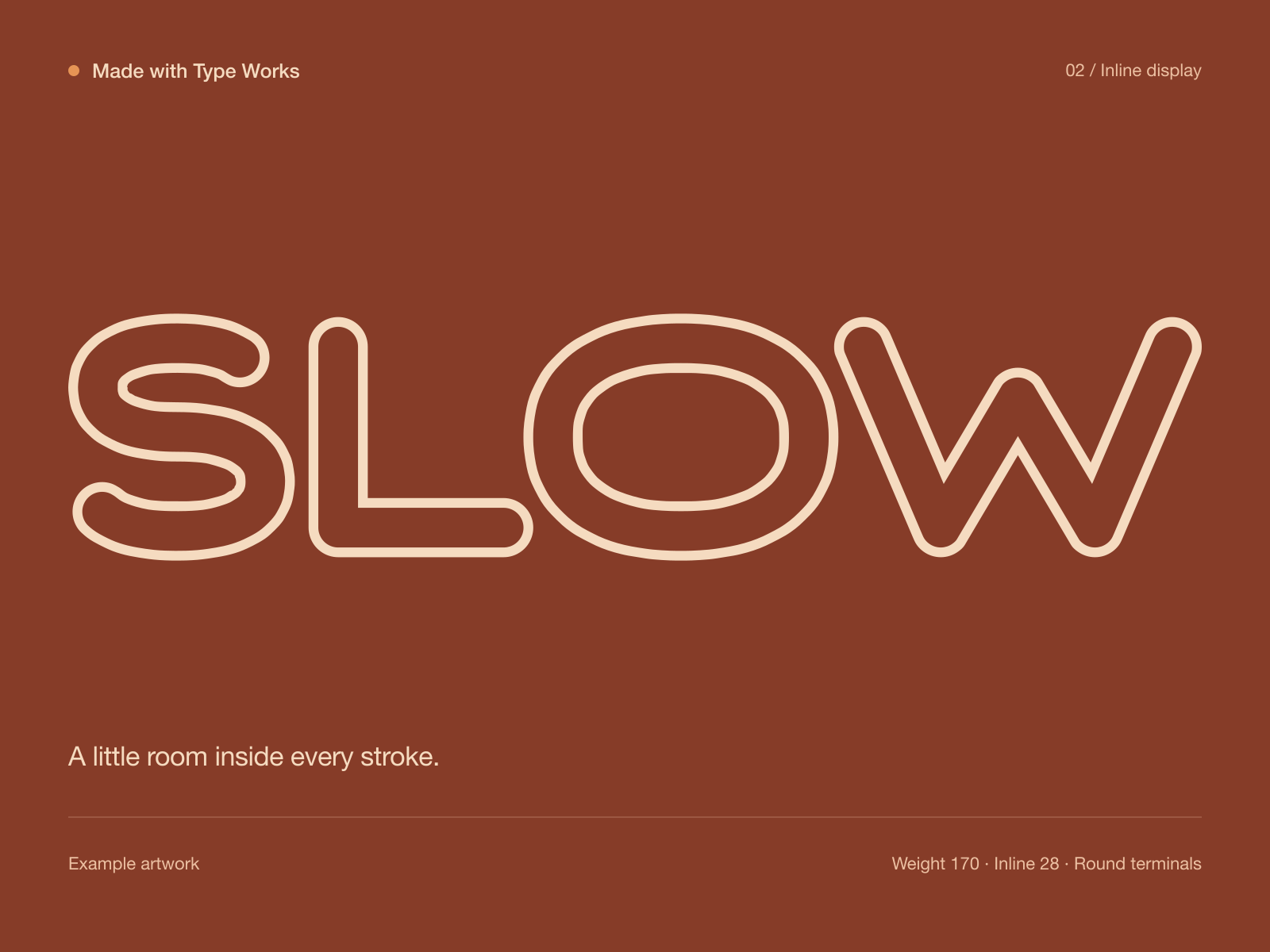
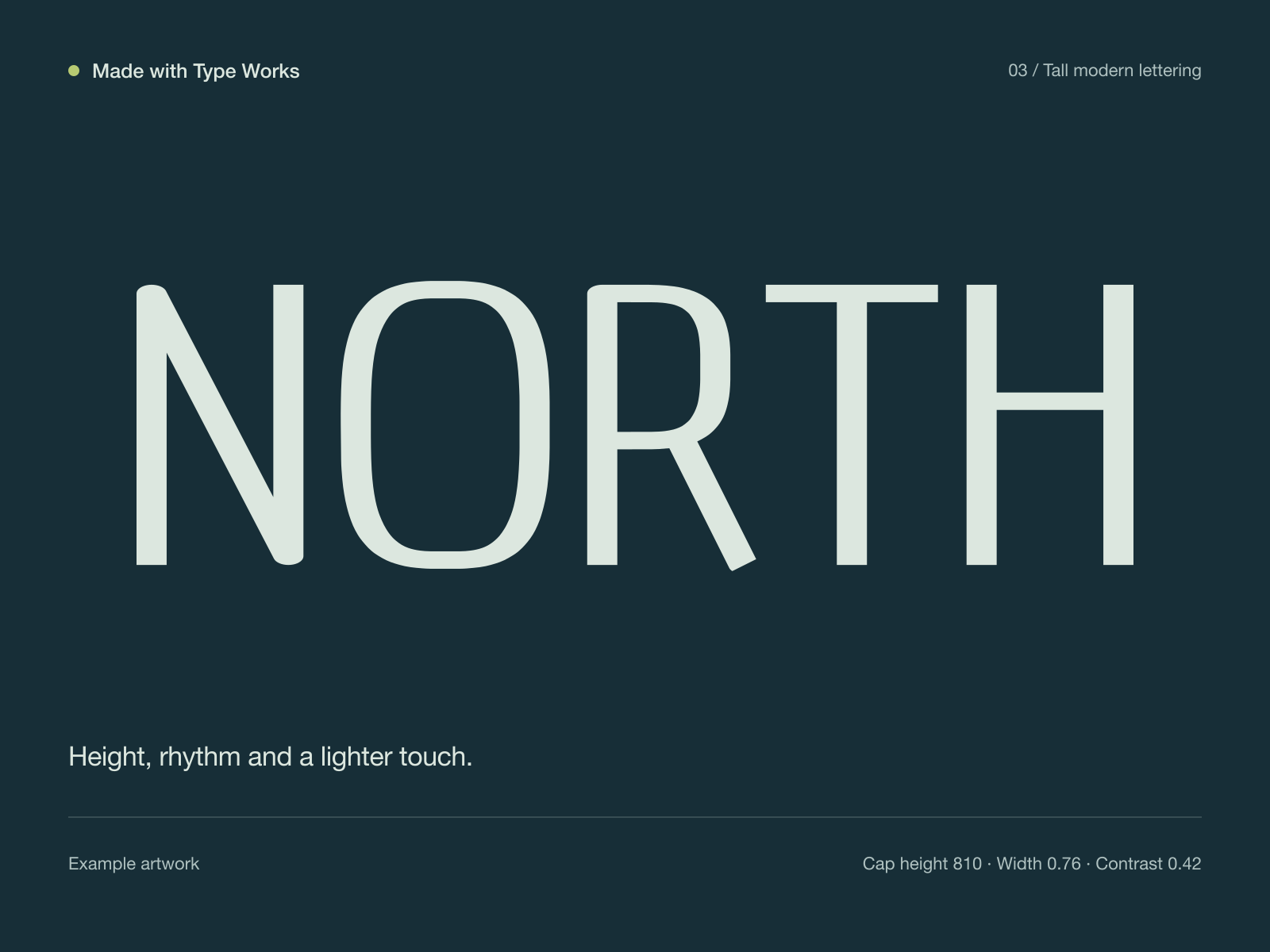
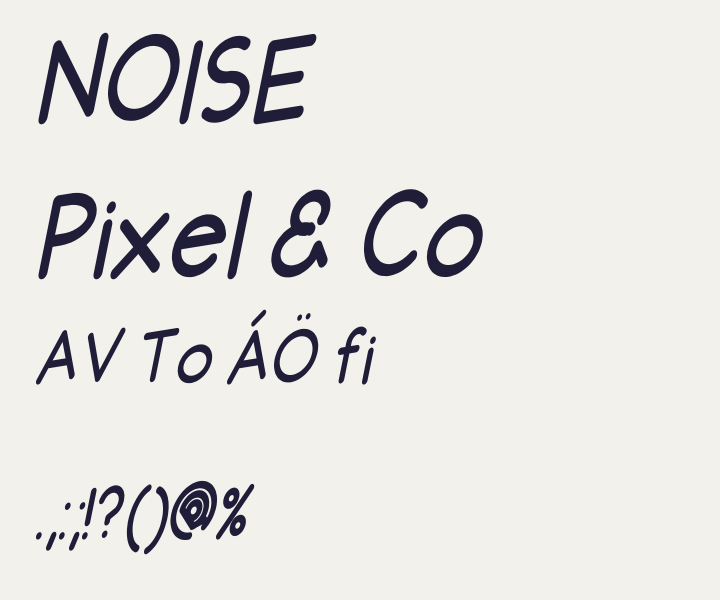
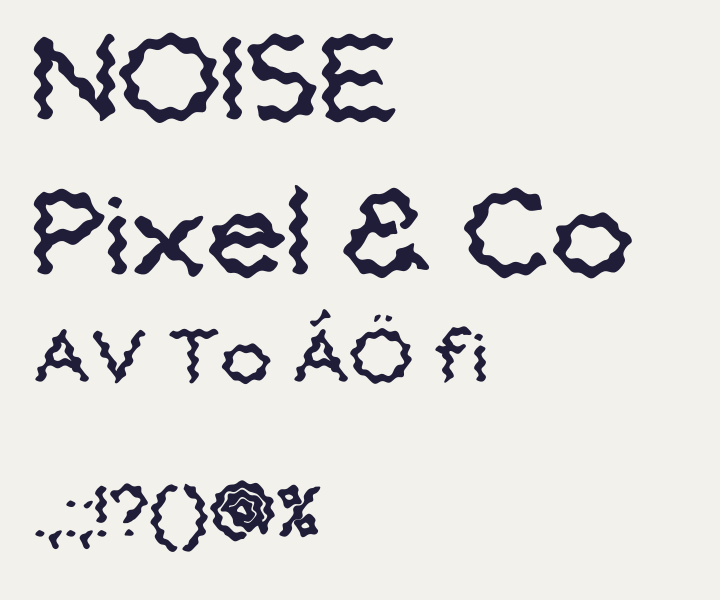
These three are lettering studies made in the app by the studio: examples, not customer projects or testimonials. The outline geometry is the app's own SVG wordmark export; the presentation colors and captions were added for the pictures. All three were made before the texture tools shown further down, so they show the base letterforms rather than those effects.
-
01
Choose a preset
Start from one of 31 presets across the collections, name the family, and type the word you are working on. The proof views show the result as you go.
-
02
Shape and space
Adjust weight, proportions and spacing for the whole set, then refine a single character when one letter needs a different balance. Undo and redo compare the moves; a saved recipe keeps the variation.
-
03
Export
Take a wordmark out as outlined SVG artwork. Take a typeface out as static OTF and WOFF files, or as a package with CSS, a web preview, an outlined specimen and the recipe. The Type Works wordmark at the top of this page took the first path: drawn in the app and exported as SVG.
Move and warp any character
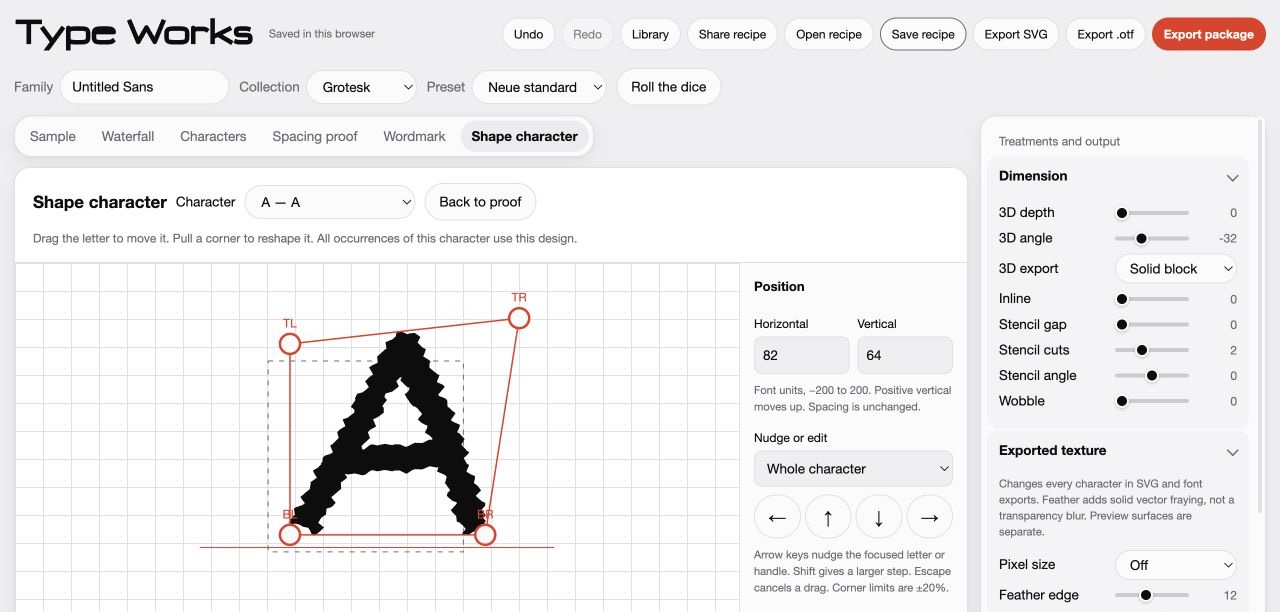
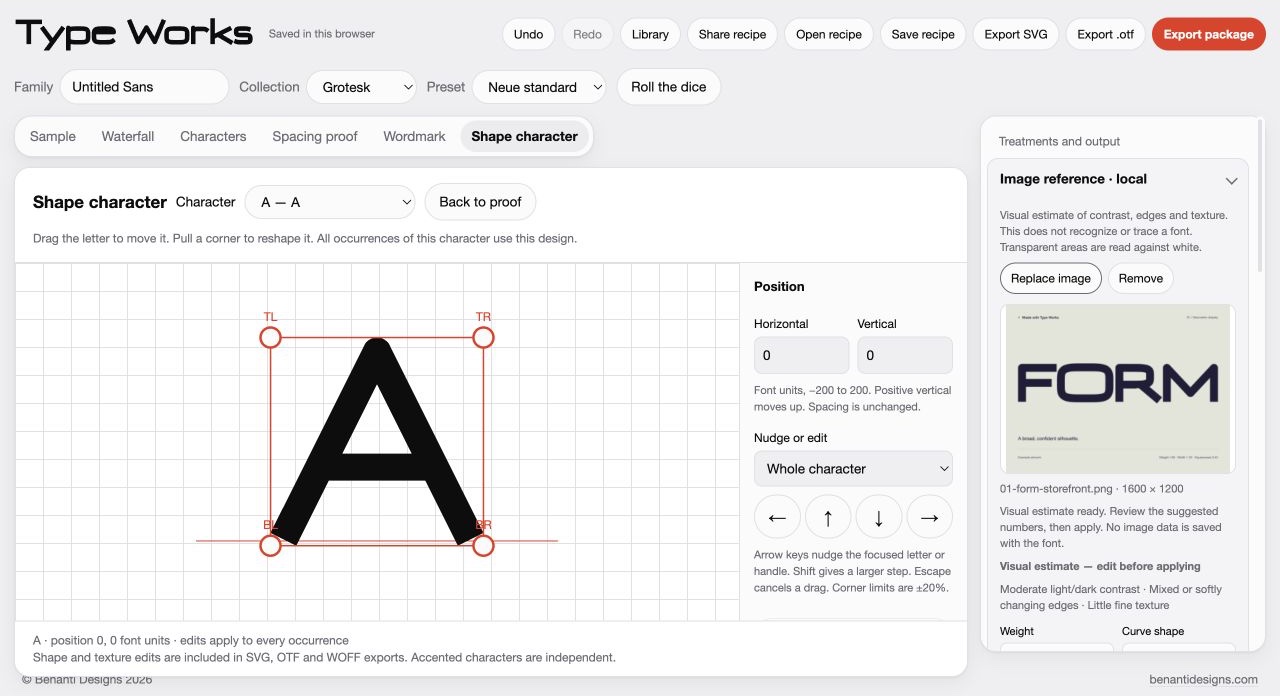
Select a character and drag its body to move the ink, or pull its four corners to reshape the silhouette. Numeric fields and keyboard nudges do the same job precisely. Every occurrence of that character shares the edit, and accented forms stay independent. Movement and corner displacement are kept within limits so the letter still reads.
Pixel texture, feathered contours and noise
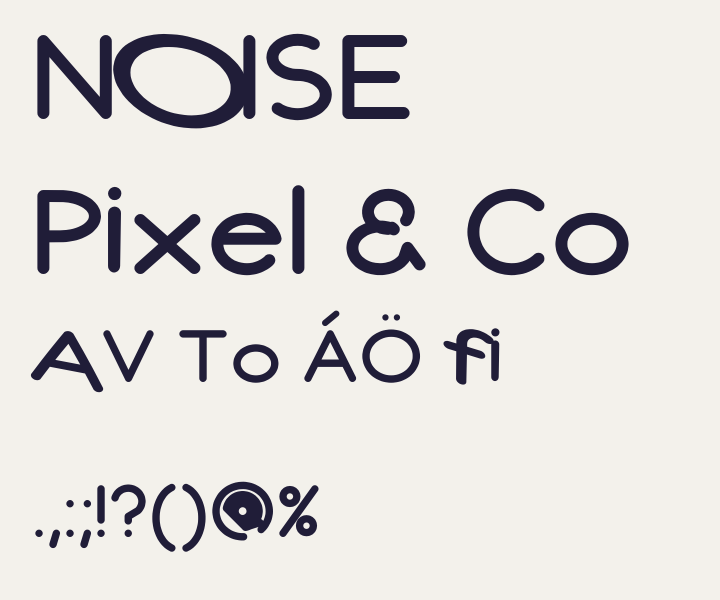
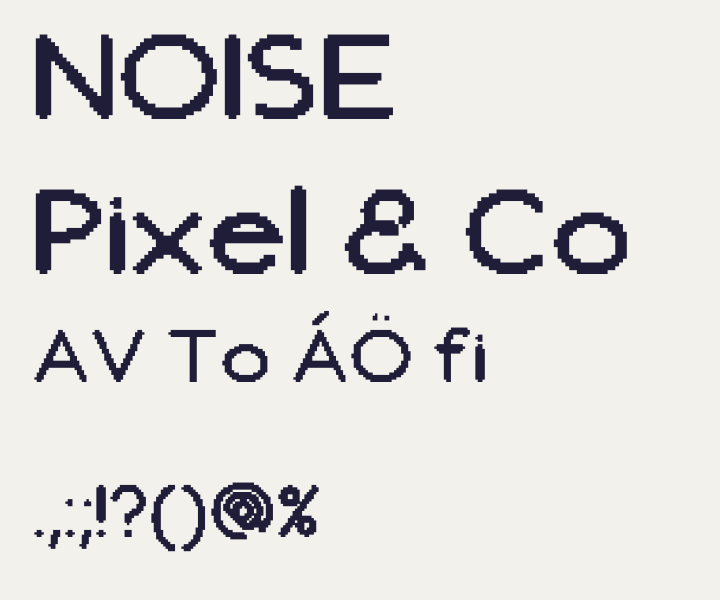
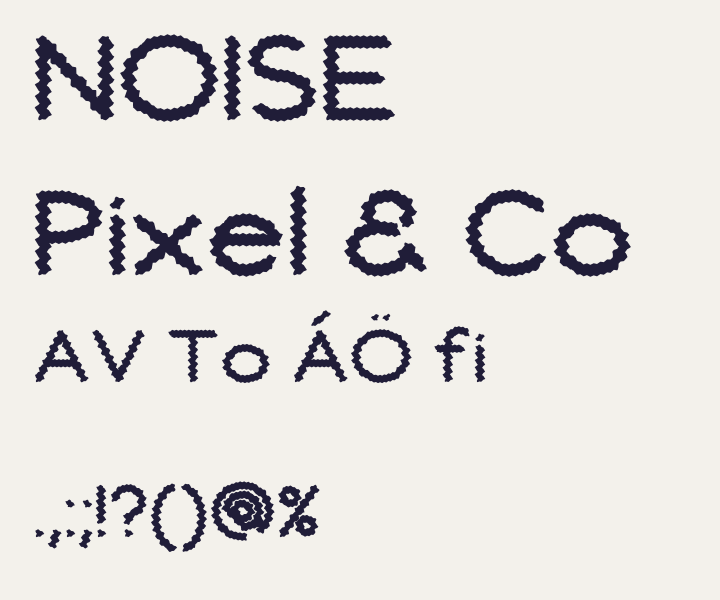
Vector pixel blocks, feathered edges and seeded outline noise change the letter geometry itself, so they carry through to SVG, OTF and WOFF rather than living only on screen. Feathering is a frayed solid contour, not a transparency blur. A coarse pixel grid can close small counters, so check the result at the size you will use.
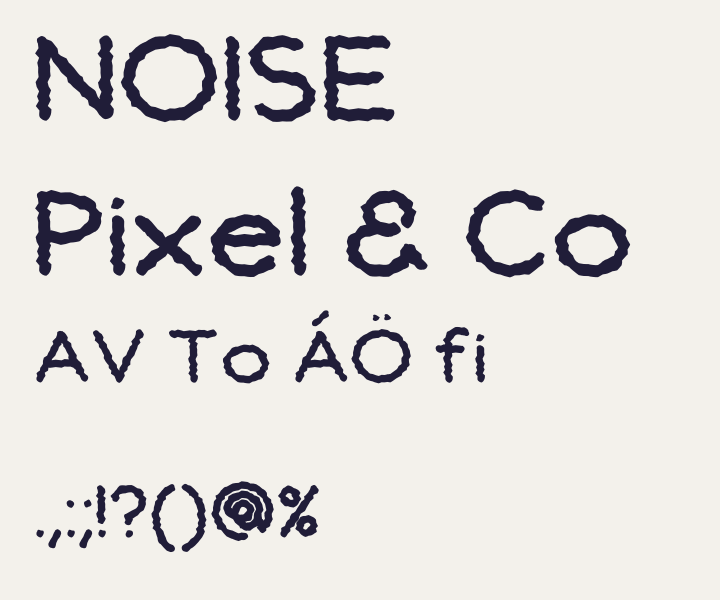
Lumps, dots, stagger, tilt and liquid
Rounded bumps along the edge. Circular dot cutouts wherever a stroke has room for them. A repeatable baseline stagger per character, so repeated letters keep the same design in the exported font. A three quarter tilt that changes the actual outlines and spacing. Liquid deformation that bends letters into flowing forms. They combine with the character editor and the textures above; strong combinations can lose detail, so inspect at the intended size.
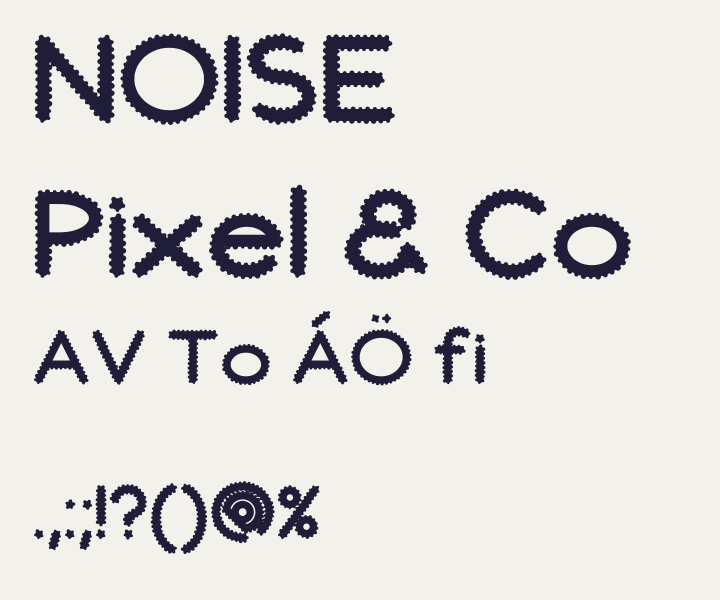
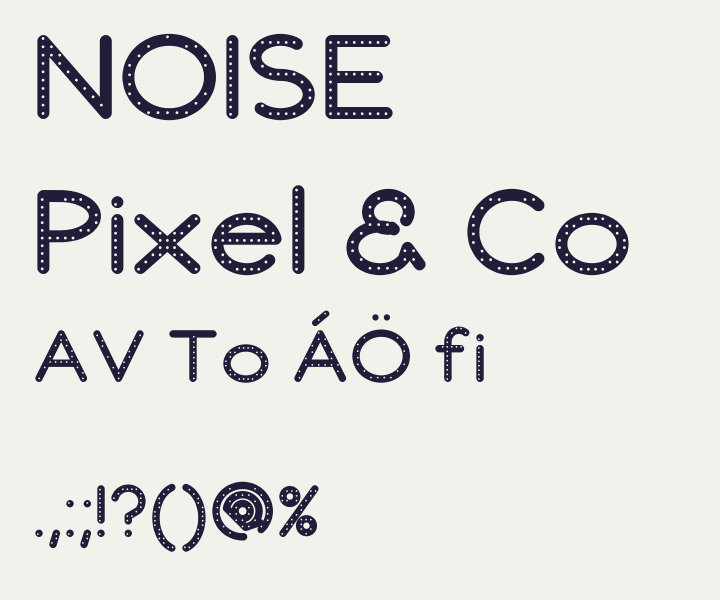
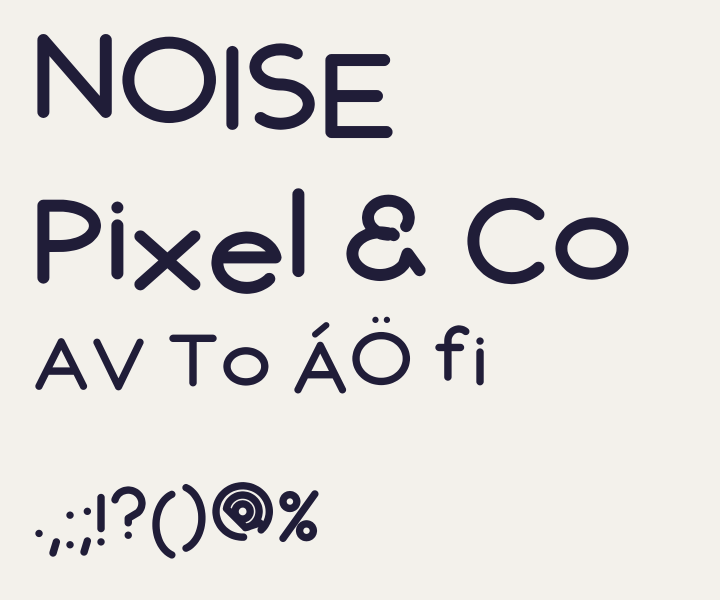
Suggestions from an image reference
Choose a PNG, JPEG or WebP and the app keeps it beside your lettering while it estimates contrast, edge structure and texture, then proposes settings you can review, edit and apply in one undoable step. This is local image analysis in your browser: not AI font identification, not tracing, and no promise of reproducing a pictured typeface. The image stays in your session and is never included in recipes, share codes or exports.
Preparing for release.
Planned price $29 once, applicable taxes may apply. All future Type Works software updates and revisions, including major versions, are included free for the original purchaser. No subscription and no upgrade fee.
Type Works is not on sale yet. If you would like one note when it is released, leave your email and the studio will send a single release announcement to it, nothing else.
- What do you get?
- A single HTML file that is the whole app, opened in a desktop browser through its Open File command or by dragging the file in. No account, no project upload, no native installer, and nothing to run on a phone: this page works on your phone, the app is for a desktop browser. The download also includes the FORM, SLOW and NORTH recipes with their SVG outlines and example OTF fonts, a quickstart guide, the license, support notes and third party notices.
- What does it export?
- Outlined SVG artwork for wordmarks. Static OTF fonts and WOFF web fonts for type, or a package that adds CSS, a web preview, an outlined specimen and the recipe. Fonts are static CFF OpenType: no TTF, no variable fonts, no hinting. The decorative preview surfaces such as Chrome and Neon, and the collection animations, are on screen previews only; they do not export as colored or animated fonts.
- Can I use what I make commercially?
- Yes, under the supplied license, which covers one named user per purchase. You can use your exported artwork and fonts in personal and commercial finished designs, embed your generated web fonts on websites, and hand the font files to your own project client for that project. Reselling or sharing the app itself, and selling exported fonts as standalone font products, bundles or libraries, are not included. Designs are not promised to be exclusive.
- How do updates work?
- Every future update and revision, including major versions, is included for the original purchaser at no extra charge, with no subscription, upgrade fee or cutoff. There is no automatic updater and no promised release schedule: when a release is made, you download it from your original order and open the new file. Keep your order reference and purchase email, and if an update is ever hard to reach, email the studio and it will be supplied at no charge.
- What are the limits of the image reference?
- It is a local estimate of contrast, edges and texture that turns into editable suggestions. It does not identify fonts, trace outlines or guarantee that a style will be reproduced, and it cannot read every image's subject. Your image is never uploaded and is not stored in recipes, share codes or exports.
- Where has it been tested?
- In Chromium on macOS through a local server, where exported fonts passed Font Book validation and rendered in TextEdit. Opening the downloaded file straight from disk, other browsers, Windows applications and phone hardware are still being verified before release. Heavy strokes or strong textures can close counters, so review the output in the application where you will use it.
- Questions?
- Write to JOSEPH@BENANTIDESIGNS.COM.